
CHORAKAE · 0:52 · EN
Review an option and upload a receipt
Check an option’s details and submit the requested payment evidence.
Watch the video
Before you start
Sign in. This flow concerns verification or promotion options you have selected; always read the website’s current information.
Your step-by-step guide
The illustrations summarize the journey. Labels may change; follow the instructions displayed on the website.
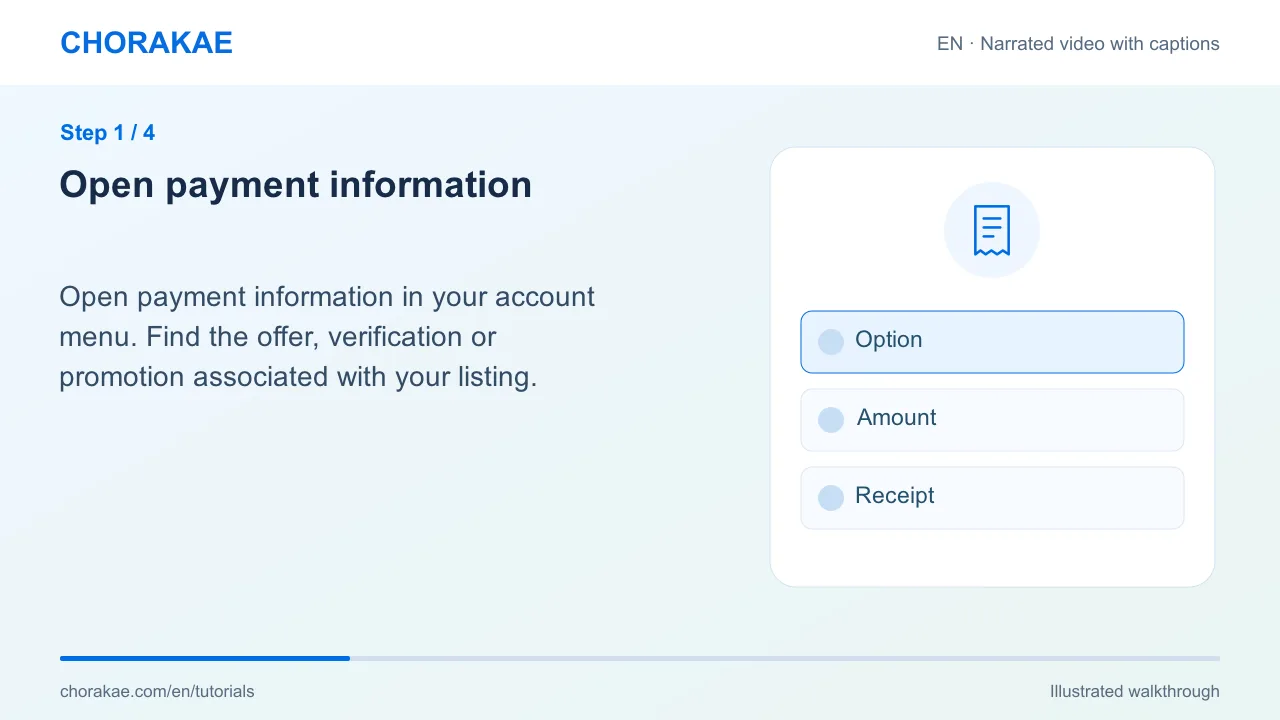
Open payment information
Open payment information in your account menu. Find the offer, verification or promotion associated with your listing.
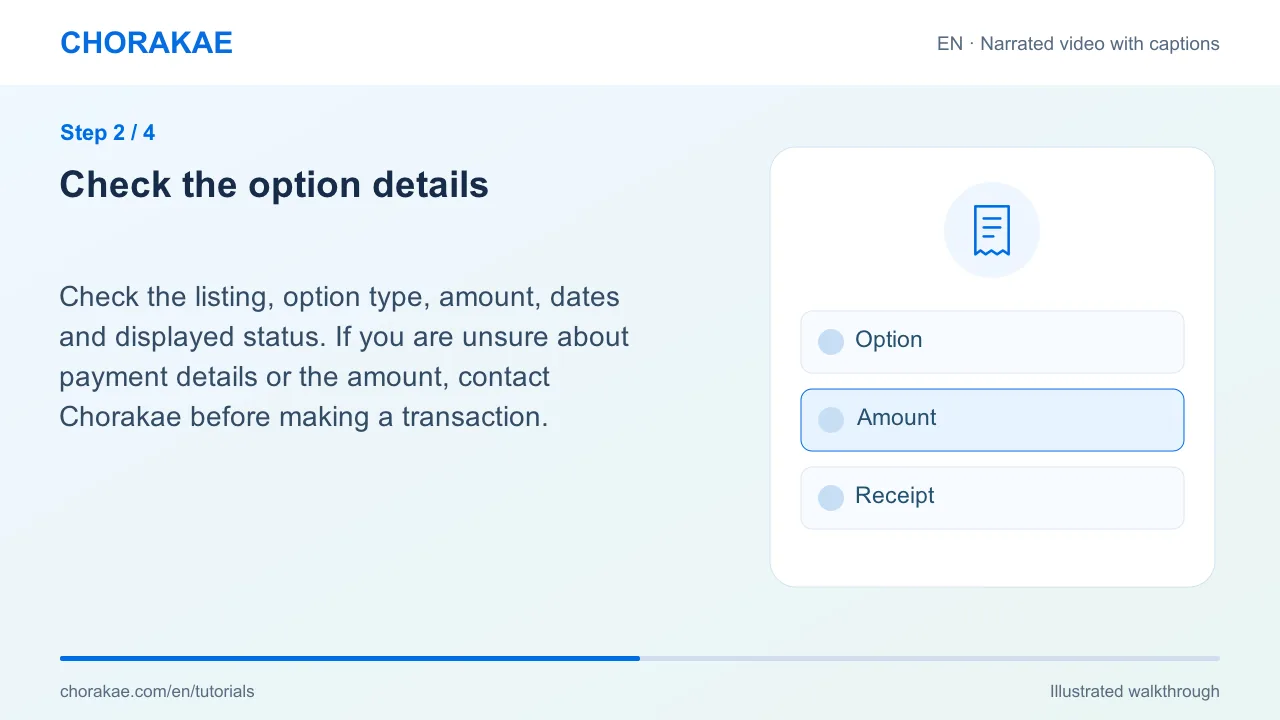
Check the option details
Check the listing, option type, amount, dates and displayed status. If you are unsure about payment details or the amount, contact Chorakae before making a transaction.
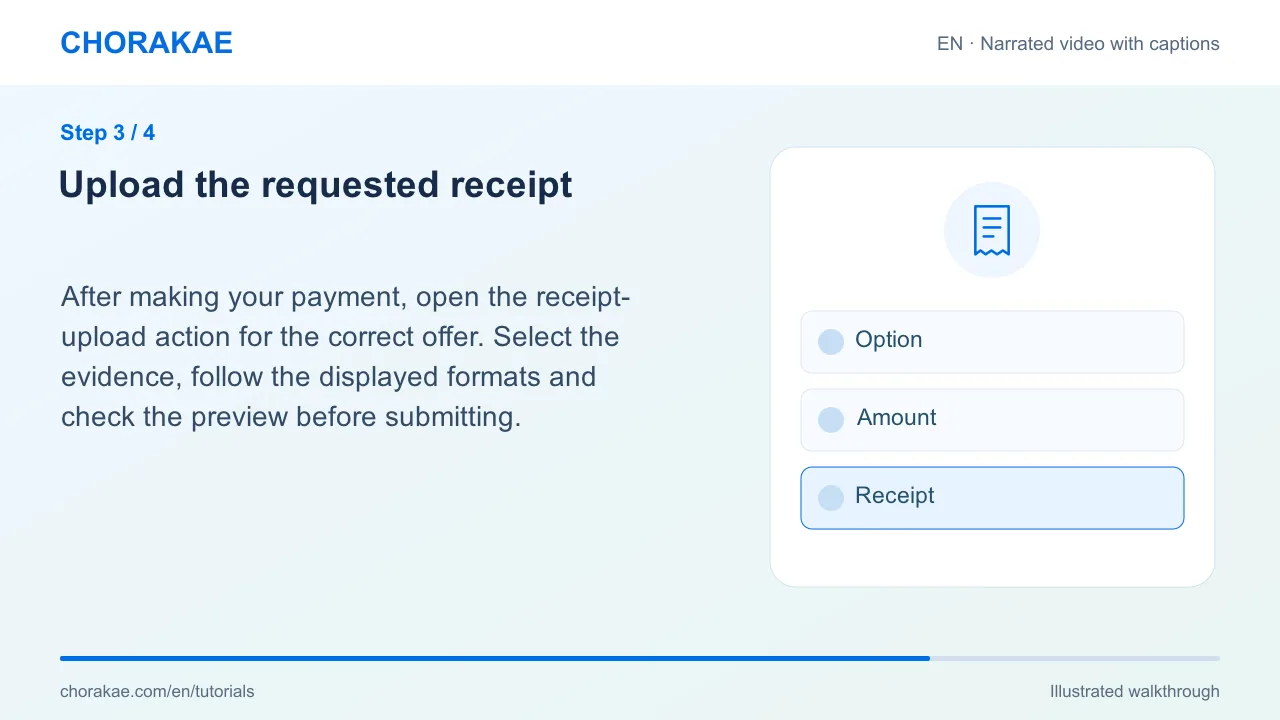
Upload the requested receipt
After making your payment, open the receipt-upload action for the correct offer. Select the evidence, follow the displayed formats and check the preview before submitting.
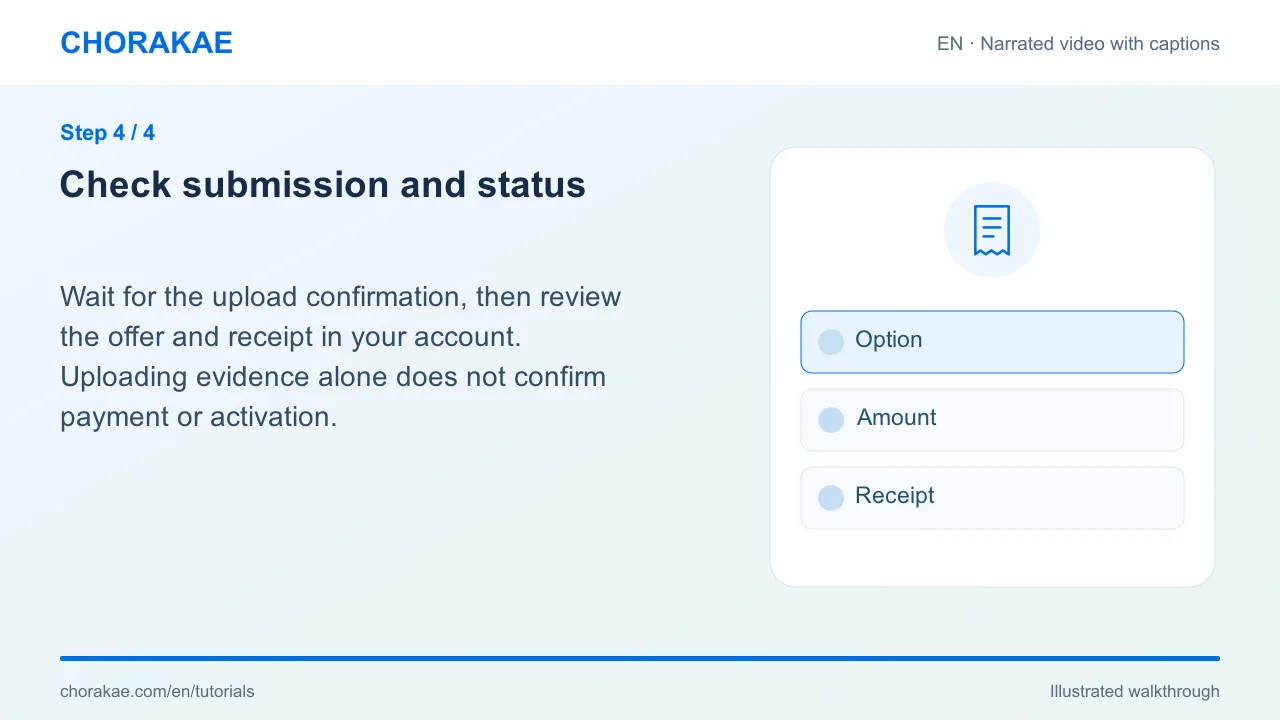
Check submission and status
Wait for the upload confirmation, then review the offer and receipt in your account. Uploading evidence alone does not confirm payment or activation.
What happens next?
Follow the displayed status or contact the team if the receipt or option needs clarification.
Go to the action ↗Still stuck? The Chorakae team can help.
Learn to use Chorakae with narrated videos and illustrated, step-by-step guides.