
CHORAKAE · 0:50 · EN
Create an account and sign in
The three registration steps, signing in and accessing your account.
Watch the video
Before you start
Have access to your email inbox and phone number. Choose your own password.
Your step-by-step guide
The illustrations summarize the journey. Labels may change; follow the instructions displayed on the website.
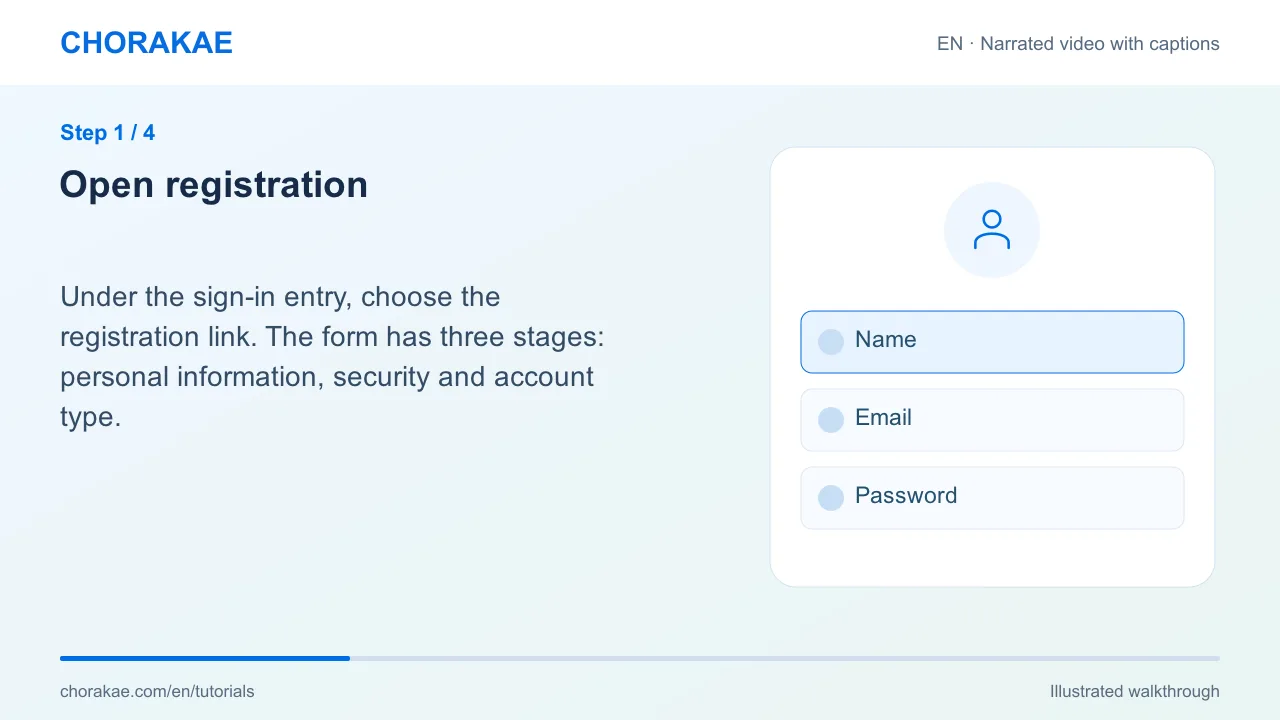
Open registration
Under the sign-in entry, choose the registration link. The form has three stages: personal information, security and account type.
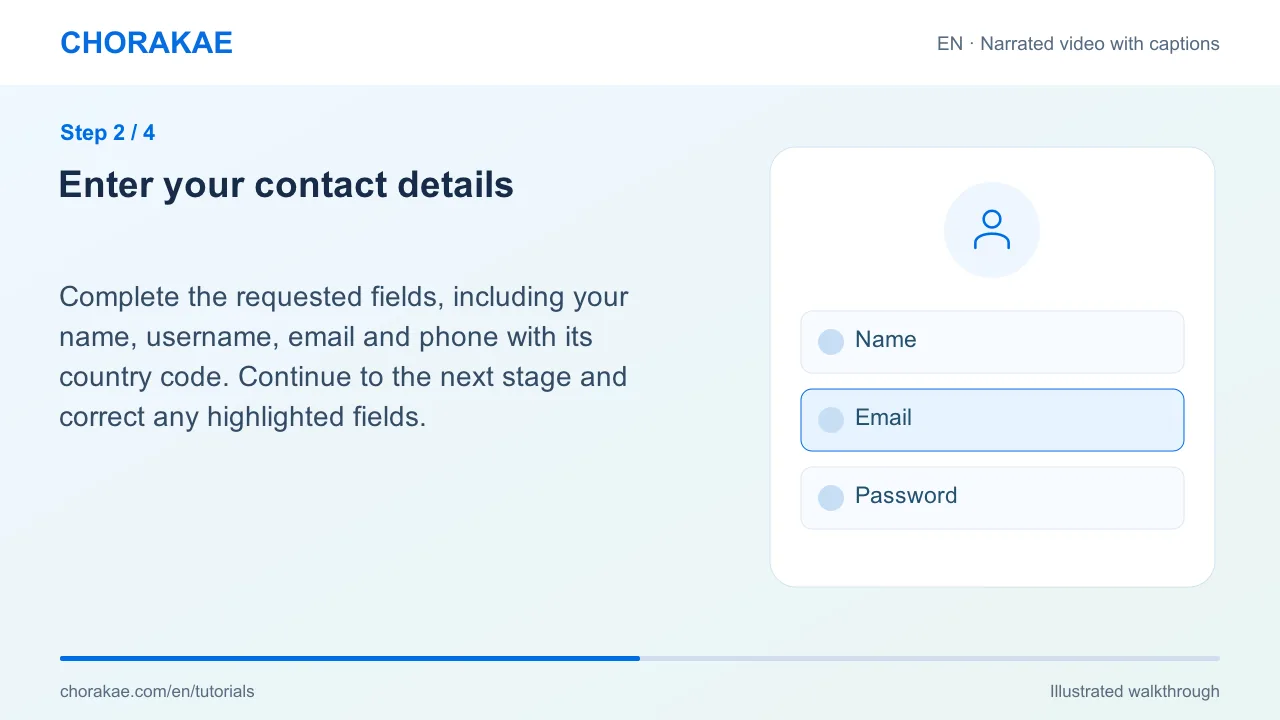
Enter your contact details
Complete the requested fields, including your name, username, email and phone with its country code. Continue to the next stage and correct any highlighted fields.
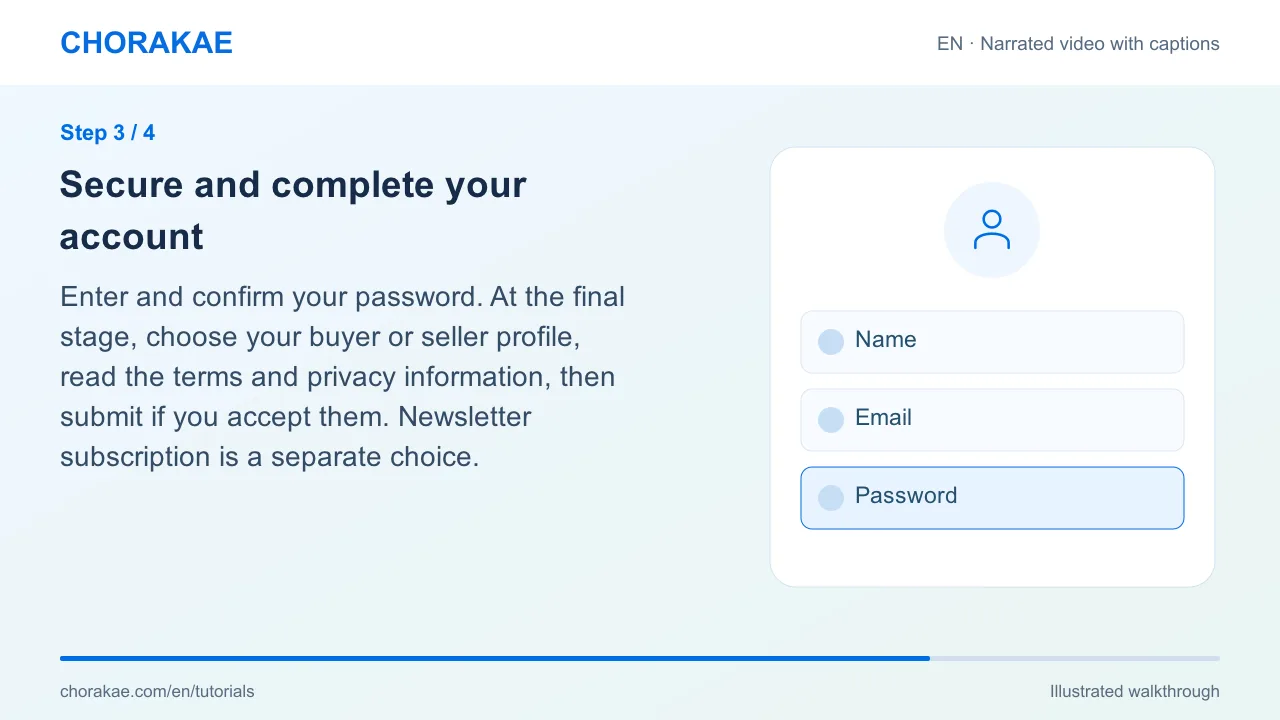
Secure and complete your account
Enter and confirm your password. At the final stage, choose your buyer or seller profile, read the terms and privacy information, then submit if you accept them. Newsletter subscription is a separate choice.
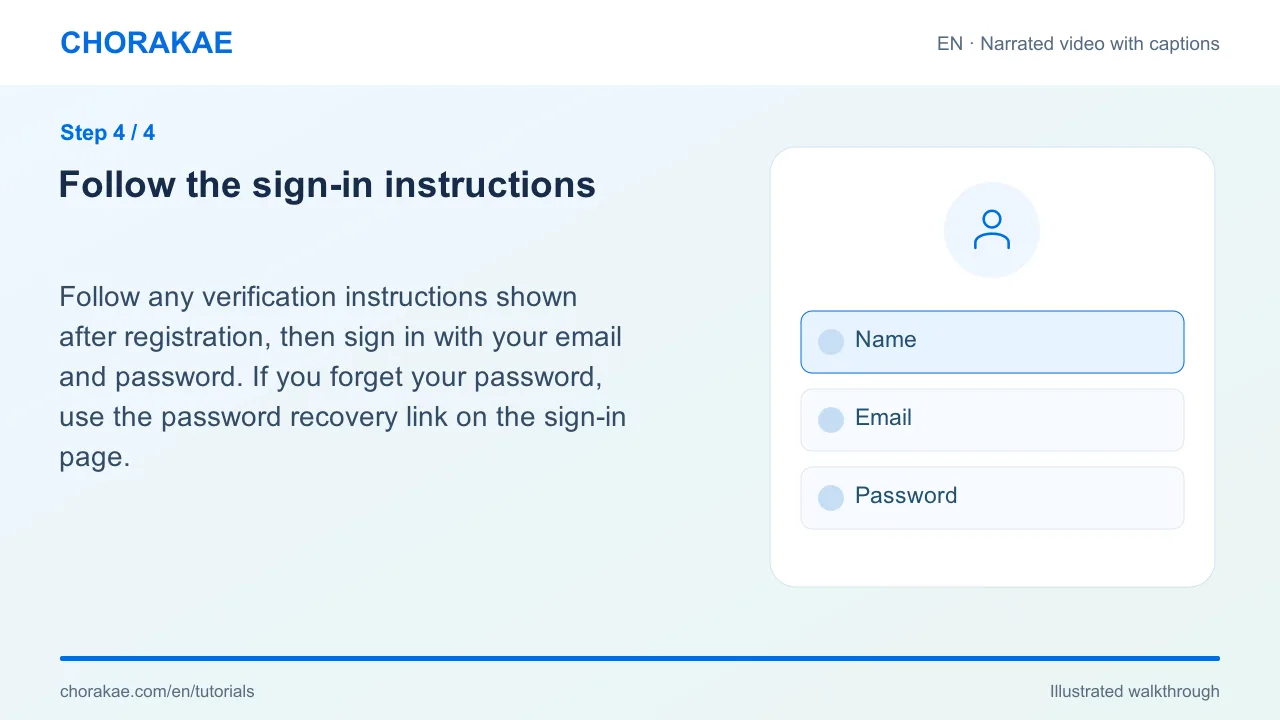
Follow the sign-in instructions
Follow any verification instructions shown after registration, then sign in with your email and password. If you forget your password, use the password recovery link on the sign-in page.
What happens next?
Once signed in, you can complete your profile, save favourites or start a listing.
Go to the action ↗Still stuck? The Chorakae team can help.
Learn to use Chorakae with narrated videos and illustrated, step-by-step guides.