
CHORAKAE · 0:50 · EN
Complete and update your profile
Update your contact details, activity and preferences.
Watch the video
Before you start
Sign in and prepare accurate contact details and relevant profile information.
Your step-by-step guide
The illustrations summarize the journey. Labels may change; follow the instructions displayed on the website.
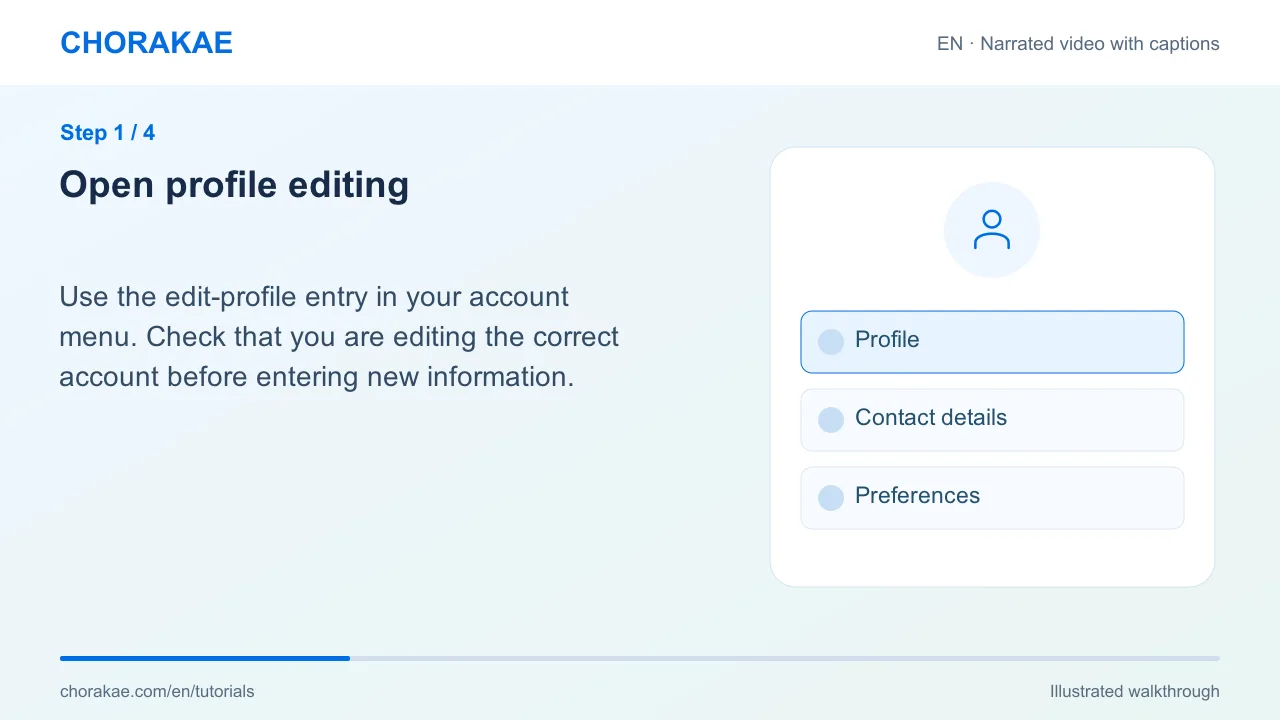
Open profile editing
Use the edit-profile entry in your account menu. Check that you are editing the correct account before entering new information.
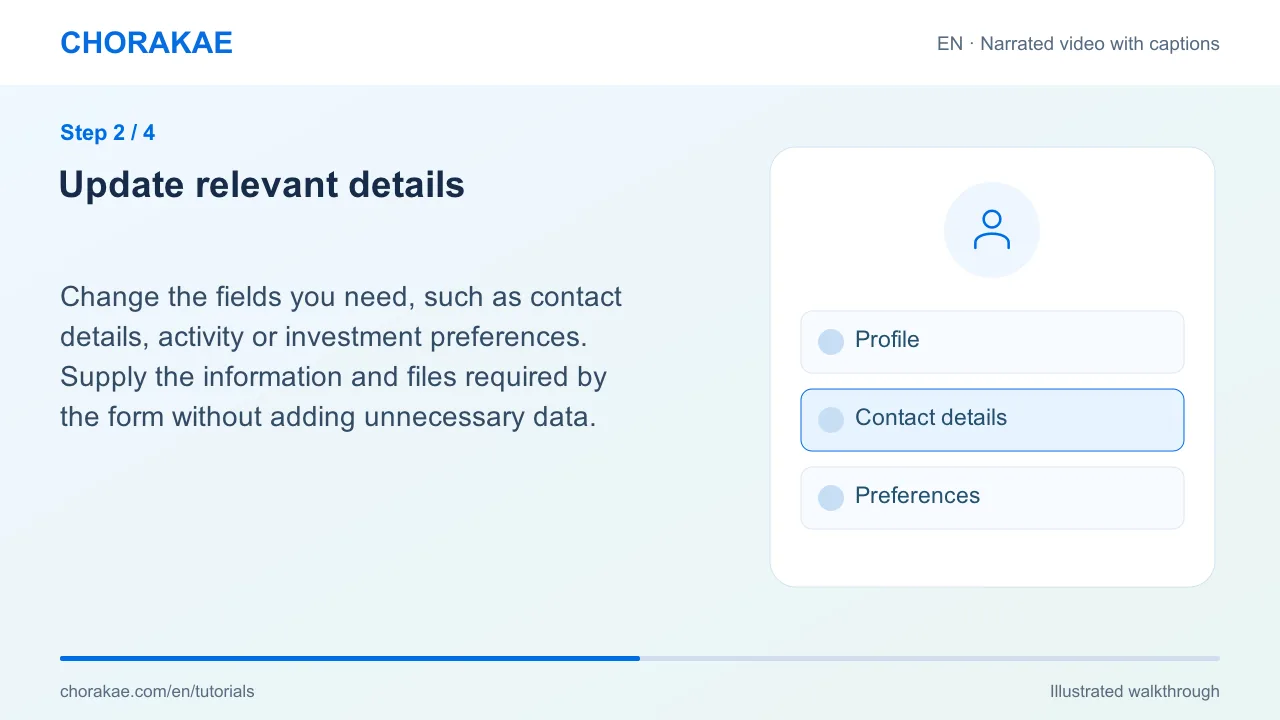
Update relevant details
Change the fields you need, such as contact details, activity or investment preferences. Supply the information and files required by the form without adding unnecessary data.
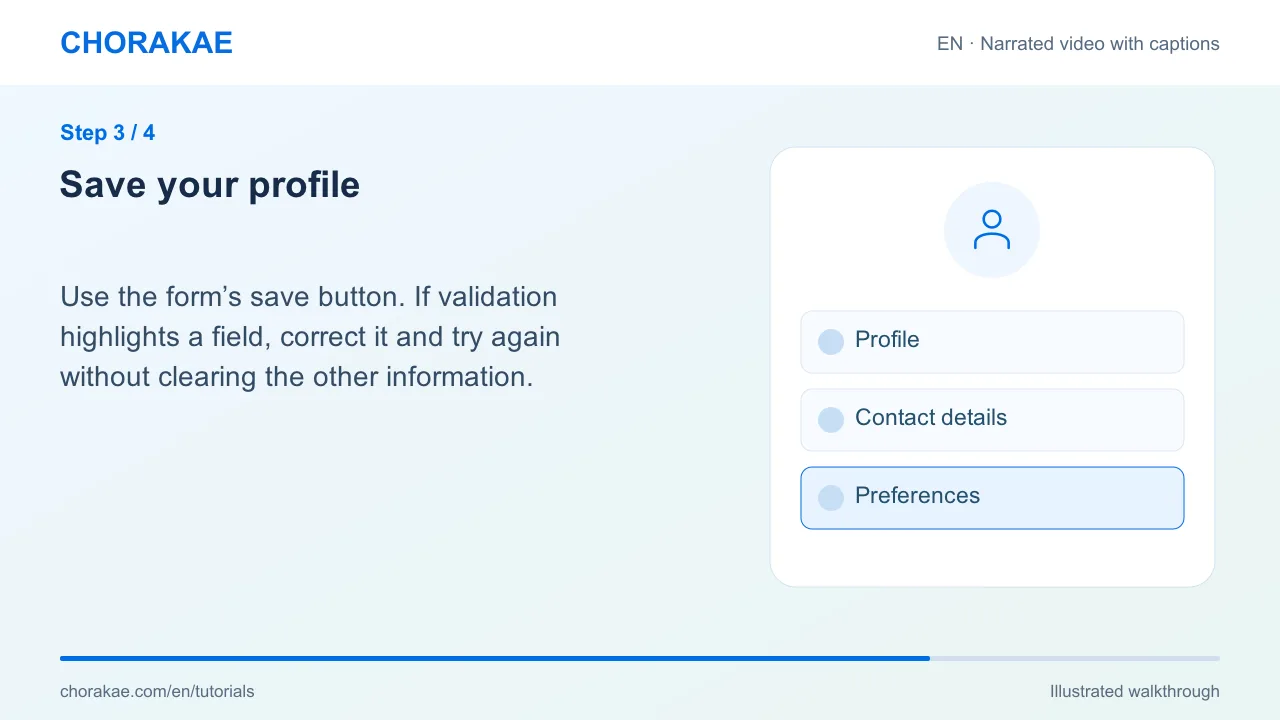
Save your profile
Use the form’s save button. If validation highlights a field, correct it and try again without clearing the other information.
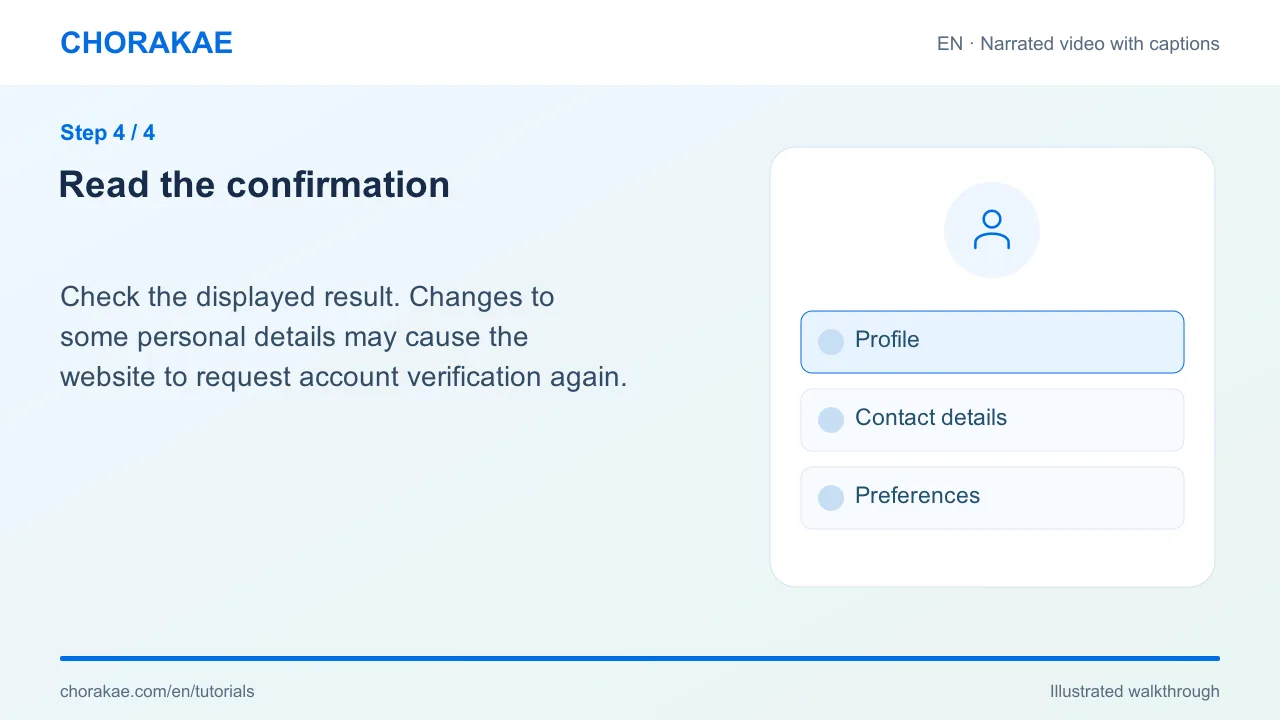
Read the confirmation
Check the displayed result. Changes to some personal details may cause the website to request account verification again.
What happens next?
Use your updated profile to continue account actions and follow any displayed verification instructions.
Go to the action ↗Still stuck? The Chorakae team can help.
Learn to use Chorakae with narrated videos and illustrated, step-by-step guides.