
CHORAKAE · 0:51 · EN
Edit and manage your listings
Find your listings, read their status and update their information.
Watch the video
Before you start
Sign in to the account used to create the listing.
Your step-by-step guide
The illustrations summarize the journey. Labels may change; follow the instructions displayed on the website.
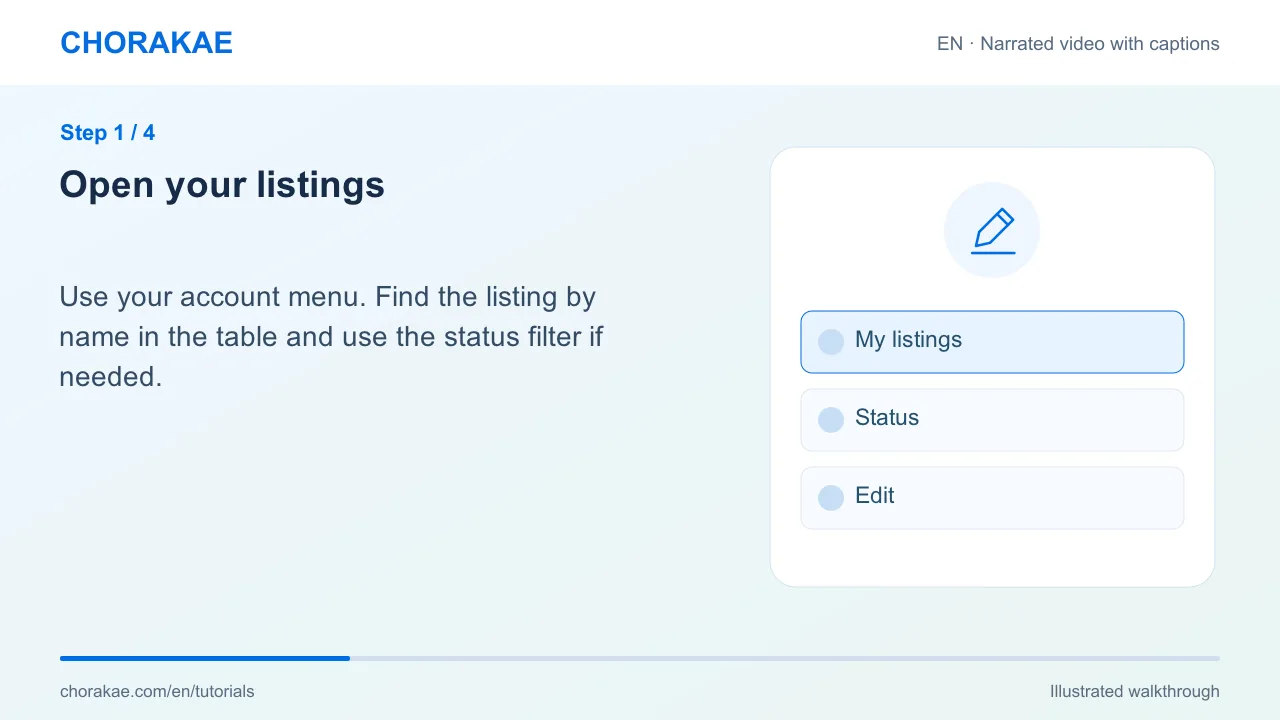
Open your listings
Use your account menu. Find the listing by name in the table and use the status filter if needed.
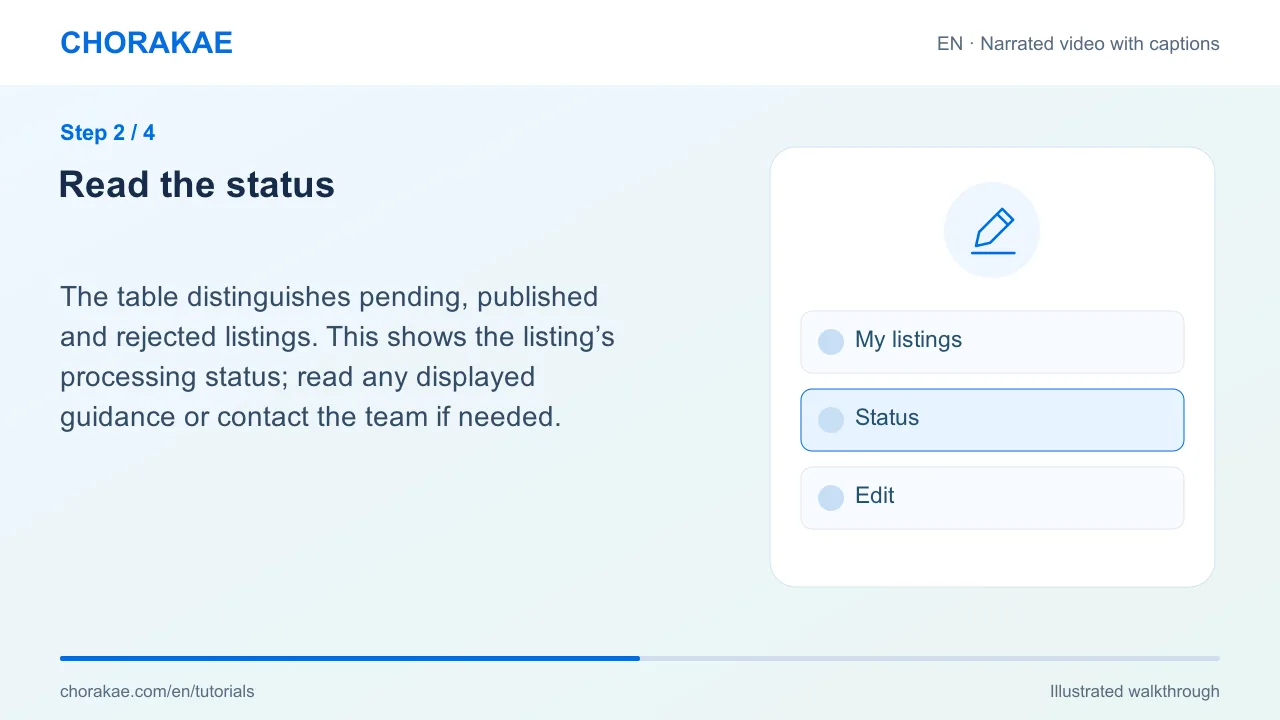
Read the status
The table distinguishes pending, published and rejected listings. This shows the listing’s processing status; read any displayed guidance or contact the team if needed.
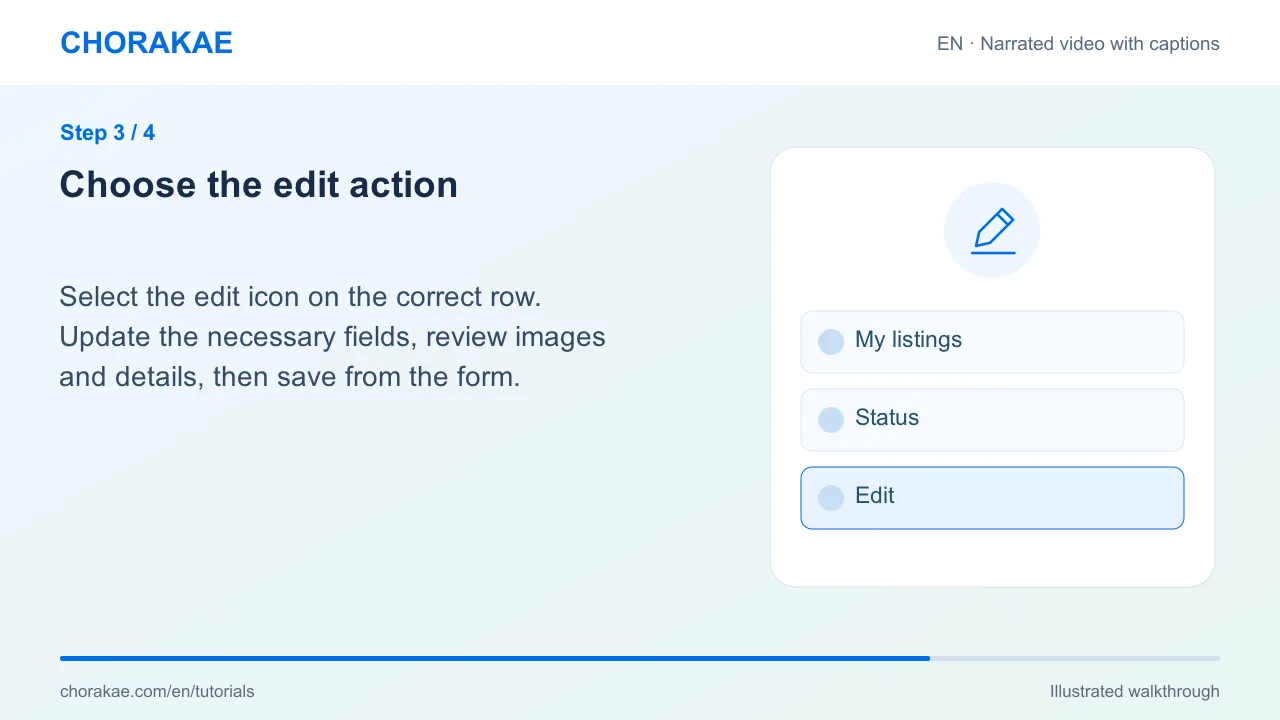
Choose the edit action
Select the edit icon on the correct row. Update the necessary fields, review images and details, then save from the form.
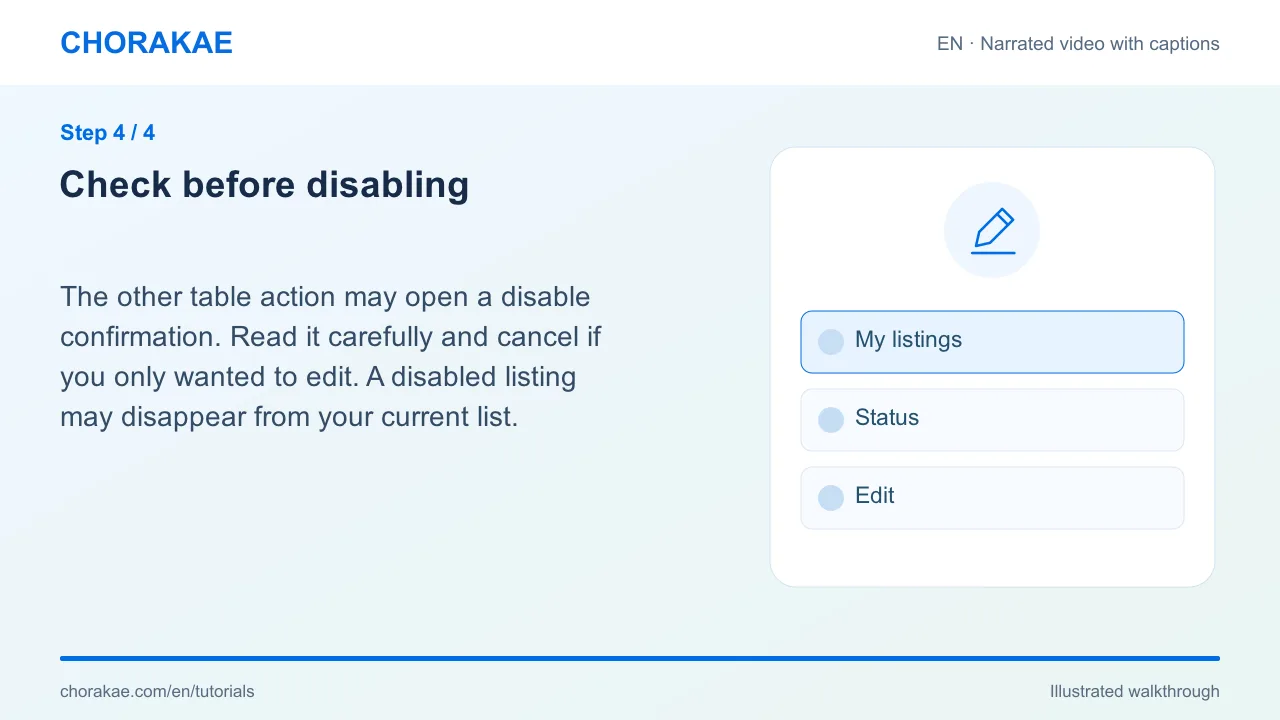
Check before disabling
The other table action may open a disable confirmation. Read it carefully and cancel if you only wanted to edit. A disabled listing may disappear from your current list.
What happens next?
Reopen the listing or list to check the saved information and current status.
Go to the action ↗Still stuck? The Chorakae team can help.
Learn to use Chorakae with narrated videos and illustrated, step-by-step guides.