
CHORAKAE · 0:51 · EN
Save and find your favourites
Keep a shortlist of listings and find it in your account.
Watch the video
Before you start
Sign in to the account where you want to keep your shortlist.
Your step-by-step guide
The illustrations summarize the journey. Labels may change; follow the instructions displayed on the website.
Find a listing
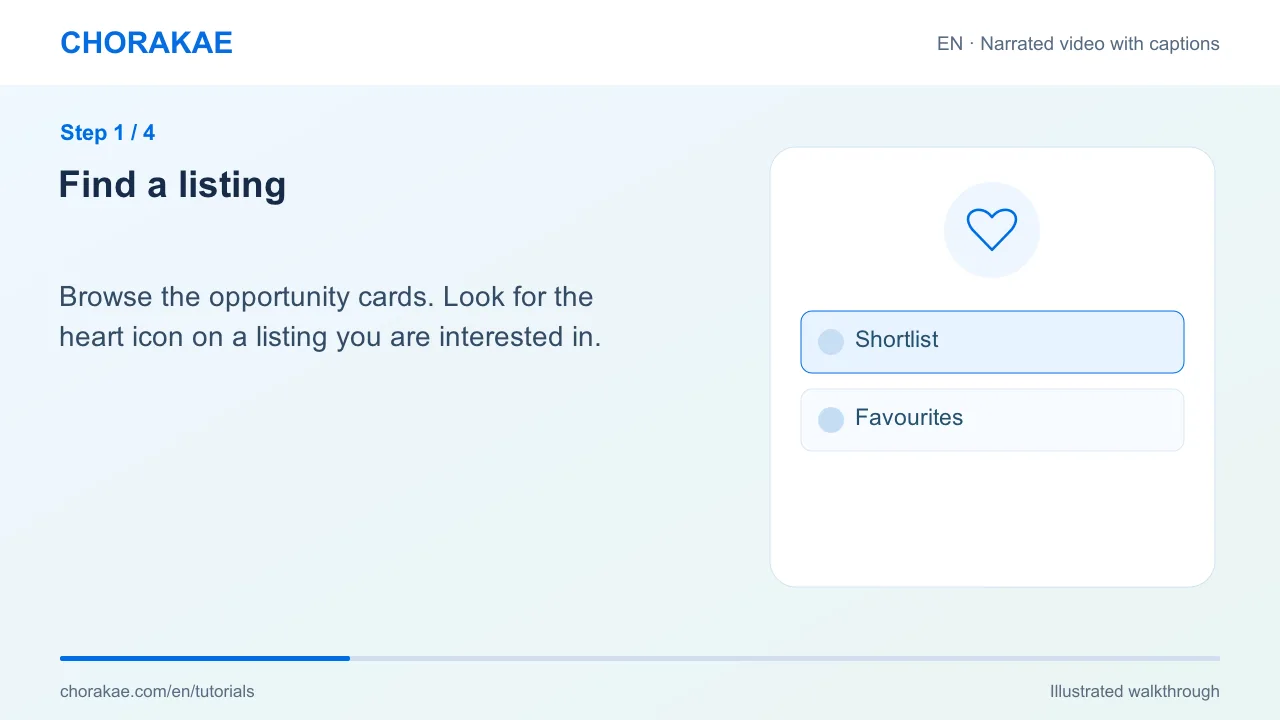
Browse the opportunity cards. Look for the heart icon on a listing you are interested in.
Select the heart
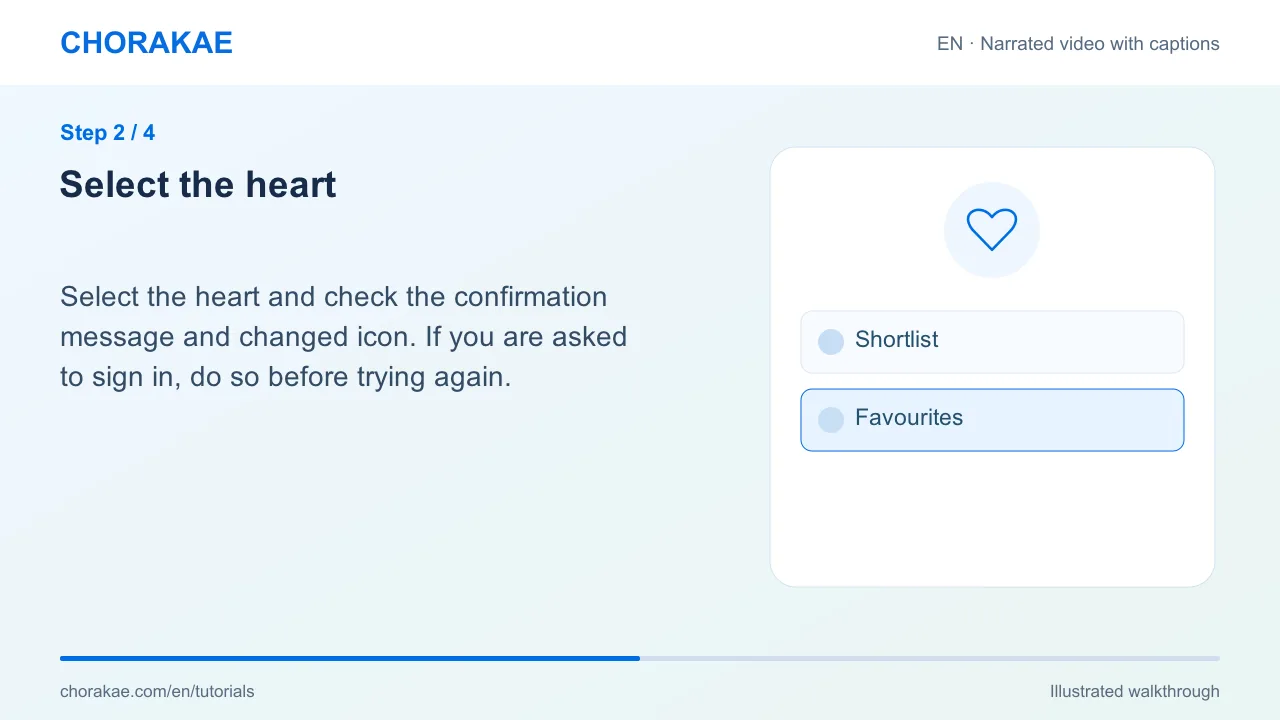
Select the heart and check the confirmation message and changed icon. If you are asked to sign in, do so before trying again.
Open your favourites
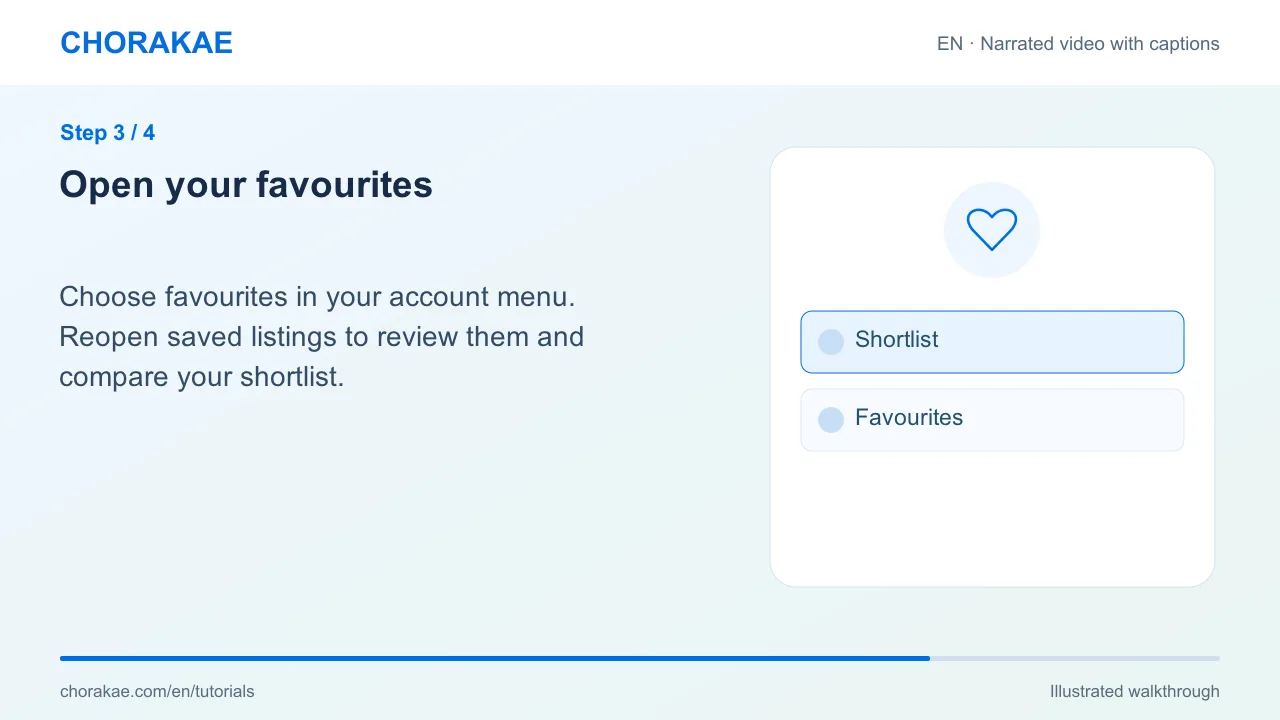
Choose favourites in your account menu. Reopen saved listings to review them and compare your shortlist.
Update your shortlist
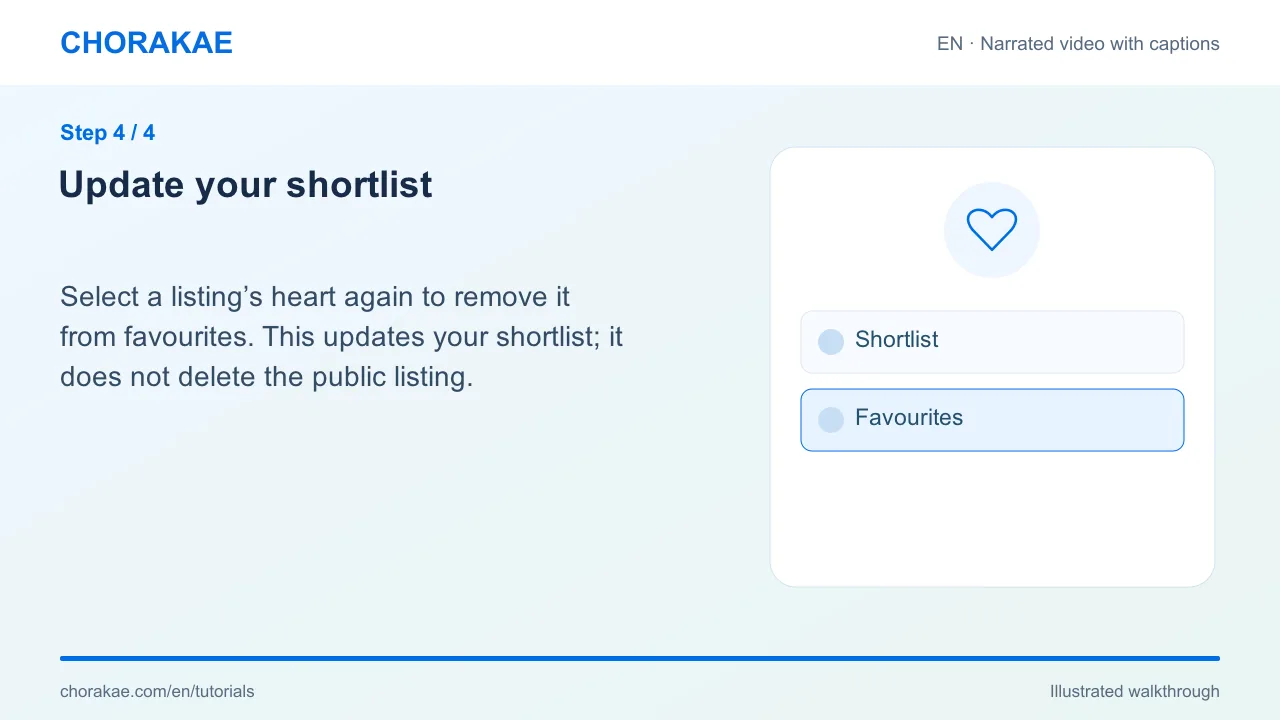
Select a listing’s heart again to remove it from favourites. This updates your shortlist; it does not delete the public listing.
What happens next?
Use your shortlist to prepare questions and send relevant listing references to Chorakae.
Go to the action ↗Still stuck? The Chorakae team can help.
Learn to use Chorakae with narrated videos and illustrated, step-by-step guides.