
CHORAKAE · 0:52 · EN
Find opportunities with search filters
Narrow results by type, sector, location and budget.
Watch the video
Before you start
Identify your preferred activity, area and budget. You can browse public opportunities before creating an account.
Your step-by-step guide
The illustrations summarize the journey. Labels may change; follow the instructions displayed on the website.
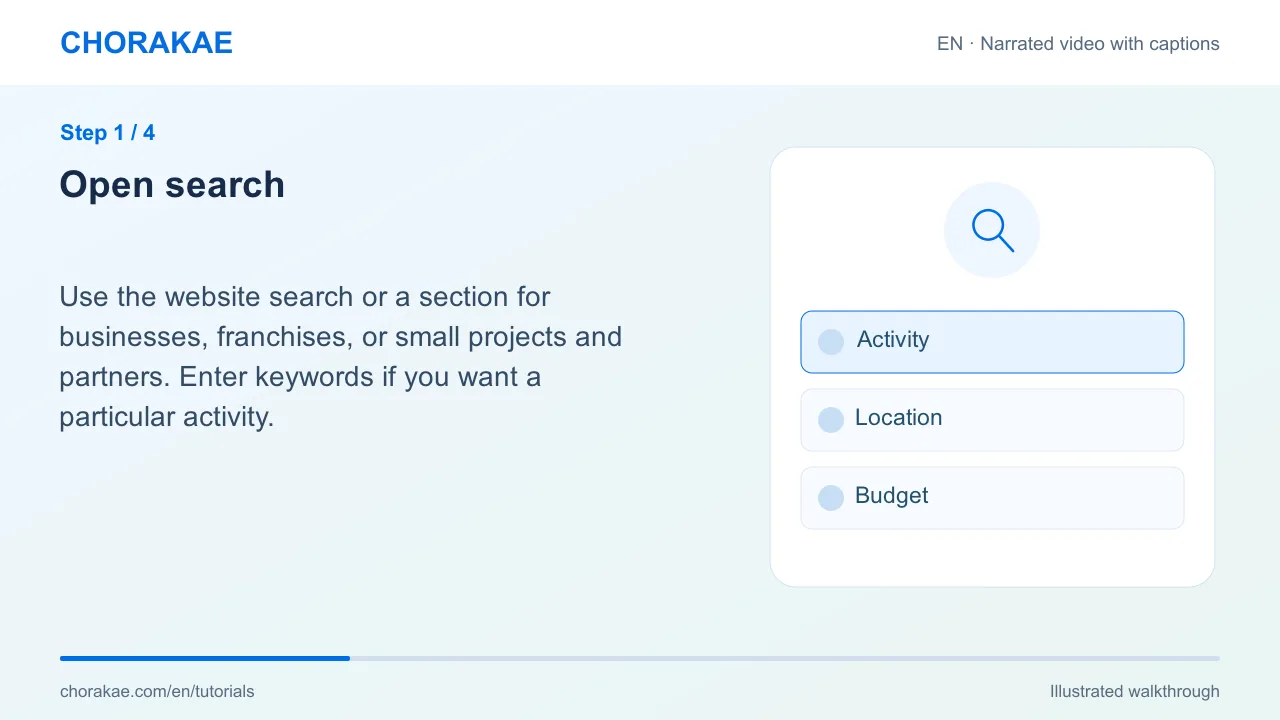
Open search
Use the website search or a section for businesses, franchises, or small projects and partners. Enter keywords if you want a particular activity.
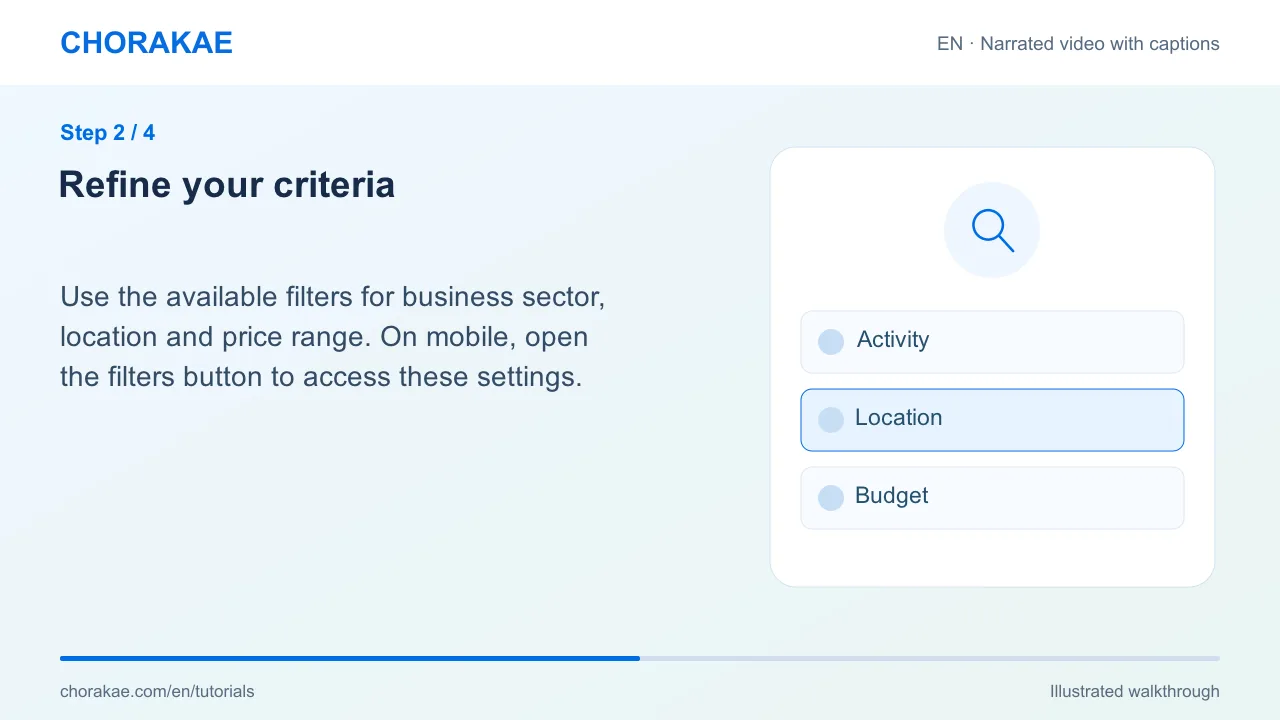
Refine your criteria
Use the available filters for business sector, location and price range. On mobile, open the filters button to access these settings.
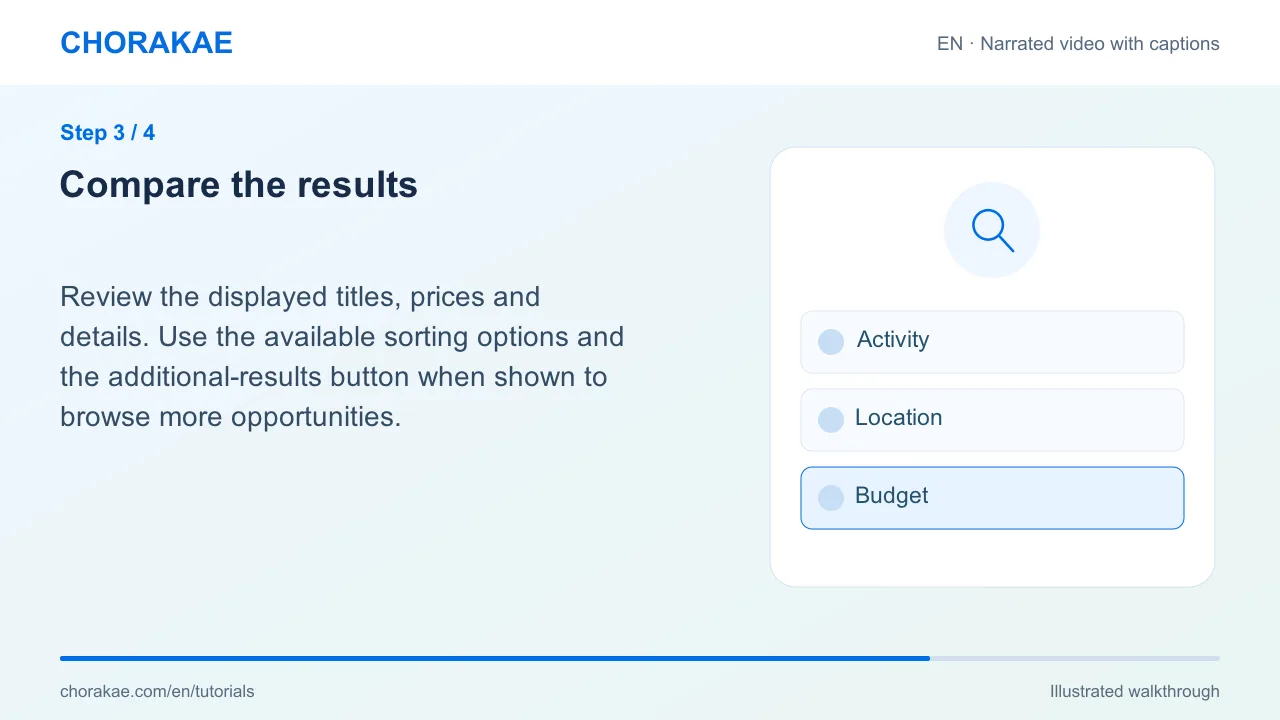
Compare the results
Review the displayed titles, prices and details. Use the available sorting options and the additional-results button when shown to browse more opportunities.
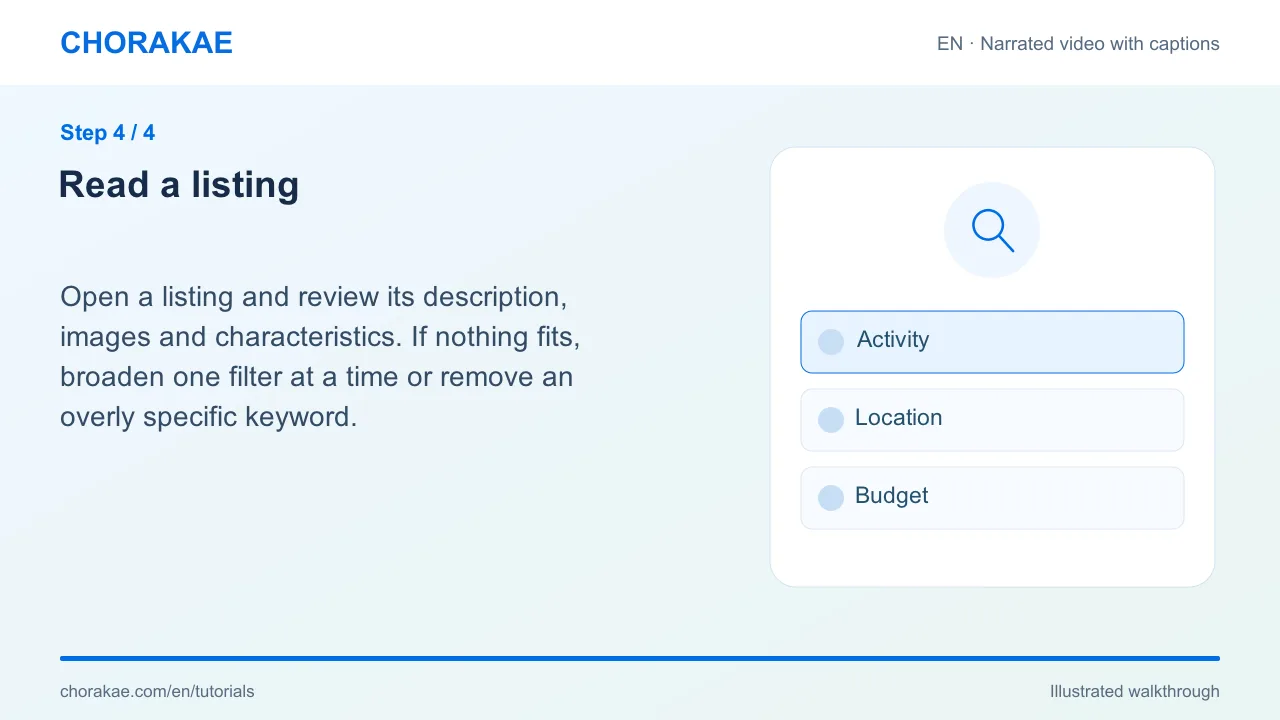
Read a listing
Open a listing and review its description, images and characteristics. If nothing fits, broaden one filter at a time or remove an overly specific keyword.
What happens next?
Save interesting listings as favourites or contact the team with the listing reference.
Go to the action ↗Still stuck? The Chorakae team can help.
Learn to use Chorakae with narrated videos and illustrated, step-by-step guides.