
CHORAKAE · 0:53 · EN
Introduce your franchise to Chorakae
Complete the initial contact form for franchisors.
Watch the video
Before you start
This form is for franchisors who want to introduce their brand. Prepare the relevant contact person’s details.
Your step-by-step guide
The illustrations summarize the journey. Labels may change; follow the instructions displayed on the website.
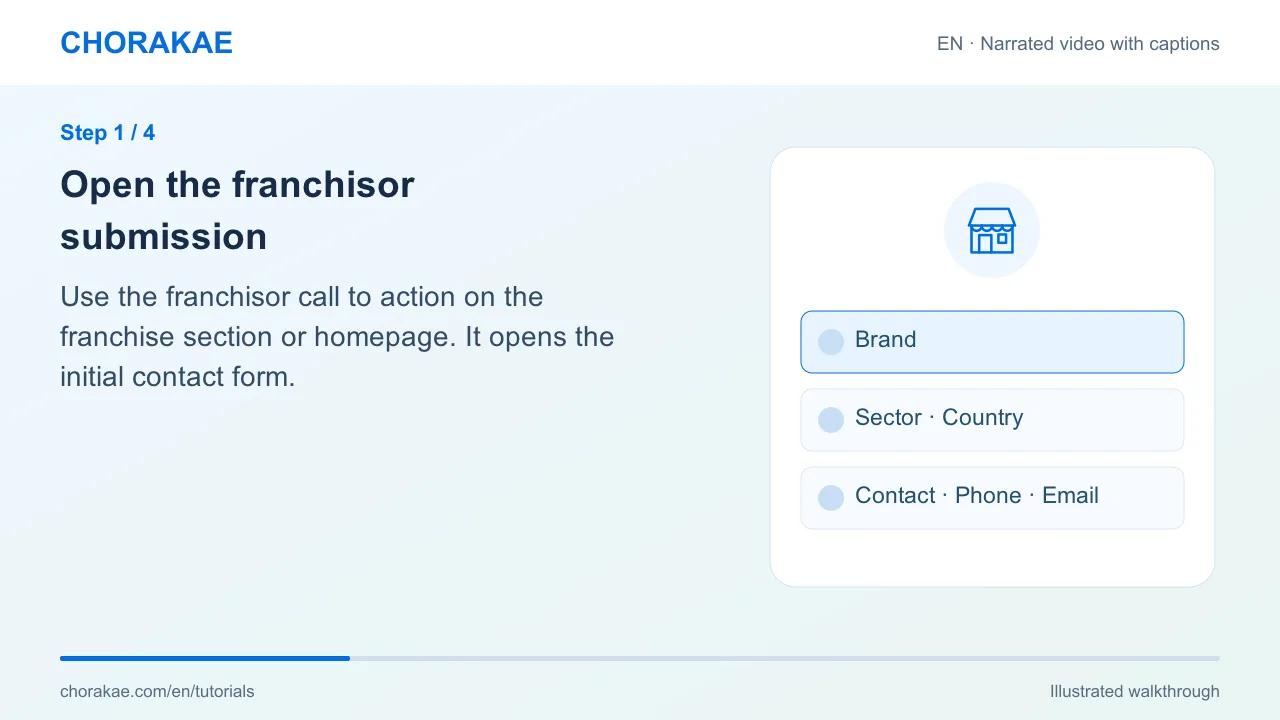
Open the franchisor submission
Use the franchisor call to action on the franchise section or homepage. It opens the initial contact form.
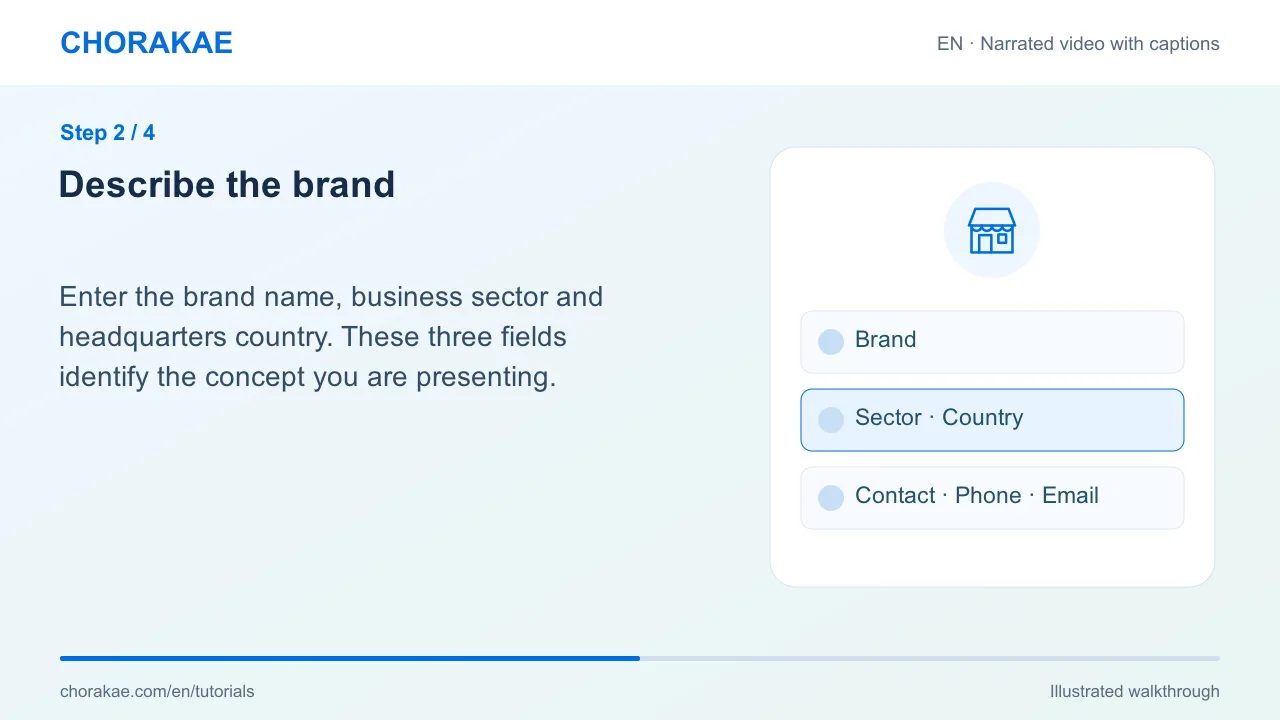
Describe the brand
Enter the brand name, business sector and headquarters country. These three fields identify the concept you are presenting.
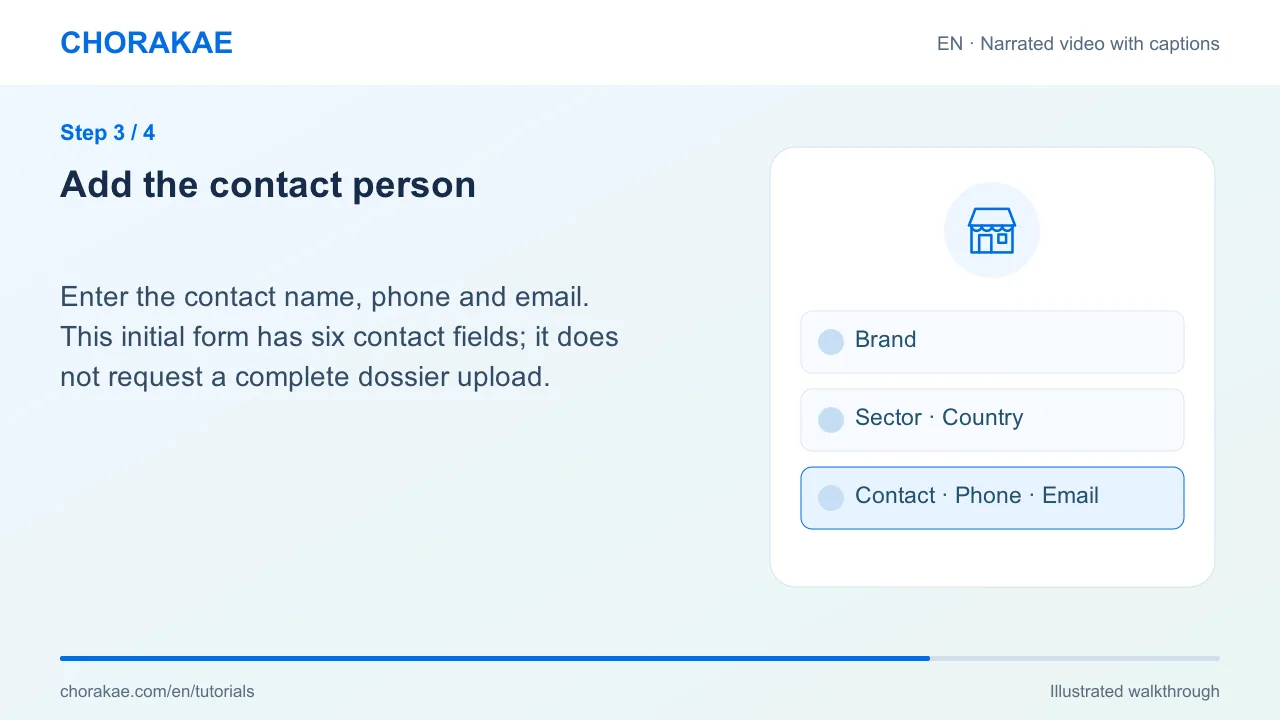
Add the contact person
Enter the contact name, phone and email. This initial form has six contact fields; it does not request a complete dossier upload.
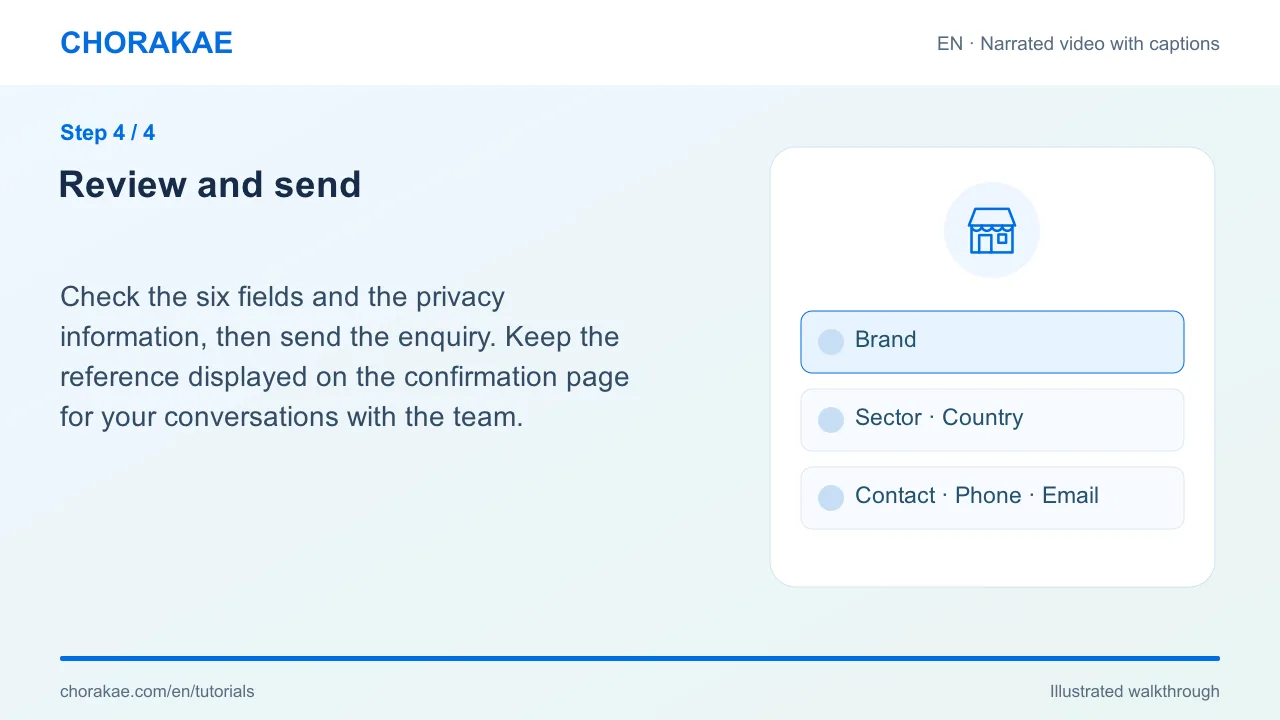
Review and send
Check the six fields and the privacy information, then send the enquiry. Keep the reference displayed on the confirmation page for your conversations with the team.
What happens next?
Chorakae reviews the request and may contact you for more information about the concept and supporting details.
Go to the action ↗Still stuck? The Chorakae team can help.
Learn to use Chorakae with narrated videos and illustrated, step-by-step guides.